Some of what your website shows isn’t a page of its own but a list or a set of details: your projects, your testimonials, the words in a footer. That’s content. It works like pages: edit, save a draft, publish.
In the Hall Website › Content
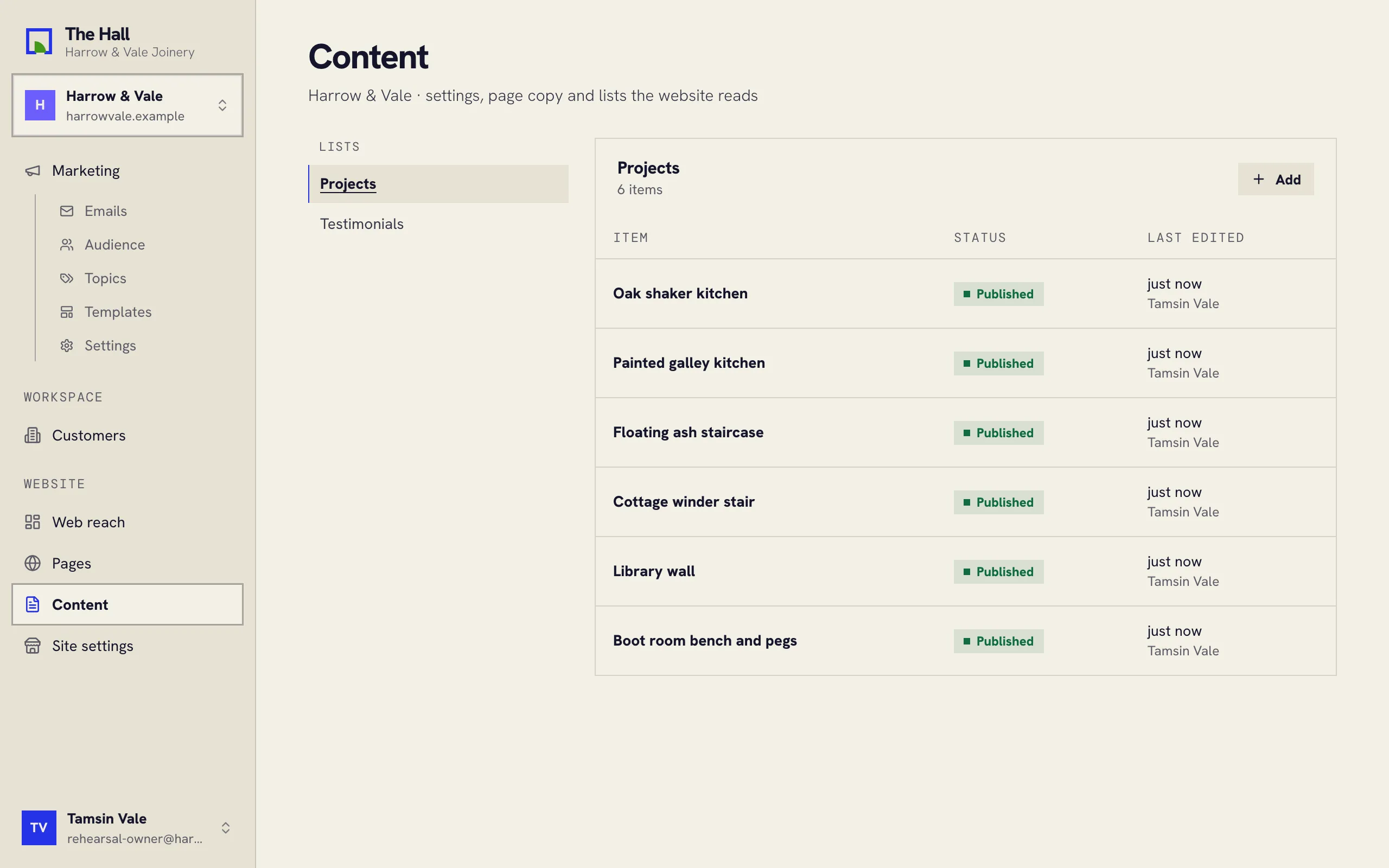
Two kinds of content
The list on the left has two groups:
- Pages and settings: one of each, such as the words on your home page’s footer. Open it and edit.
- Lists: many of the same kind, such as projects or testimonials. Open one to see every item.
What’s in the list depends on your website; we set it up when we built your site.
Editing an item
- Pick the kind of content on the left, then the item.
- Change its fields.
- Press Save draft, or Publish to put it on your website.
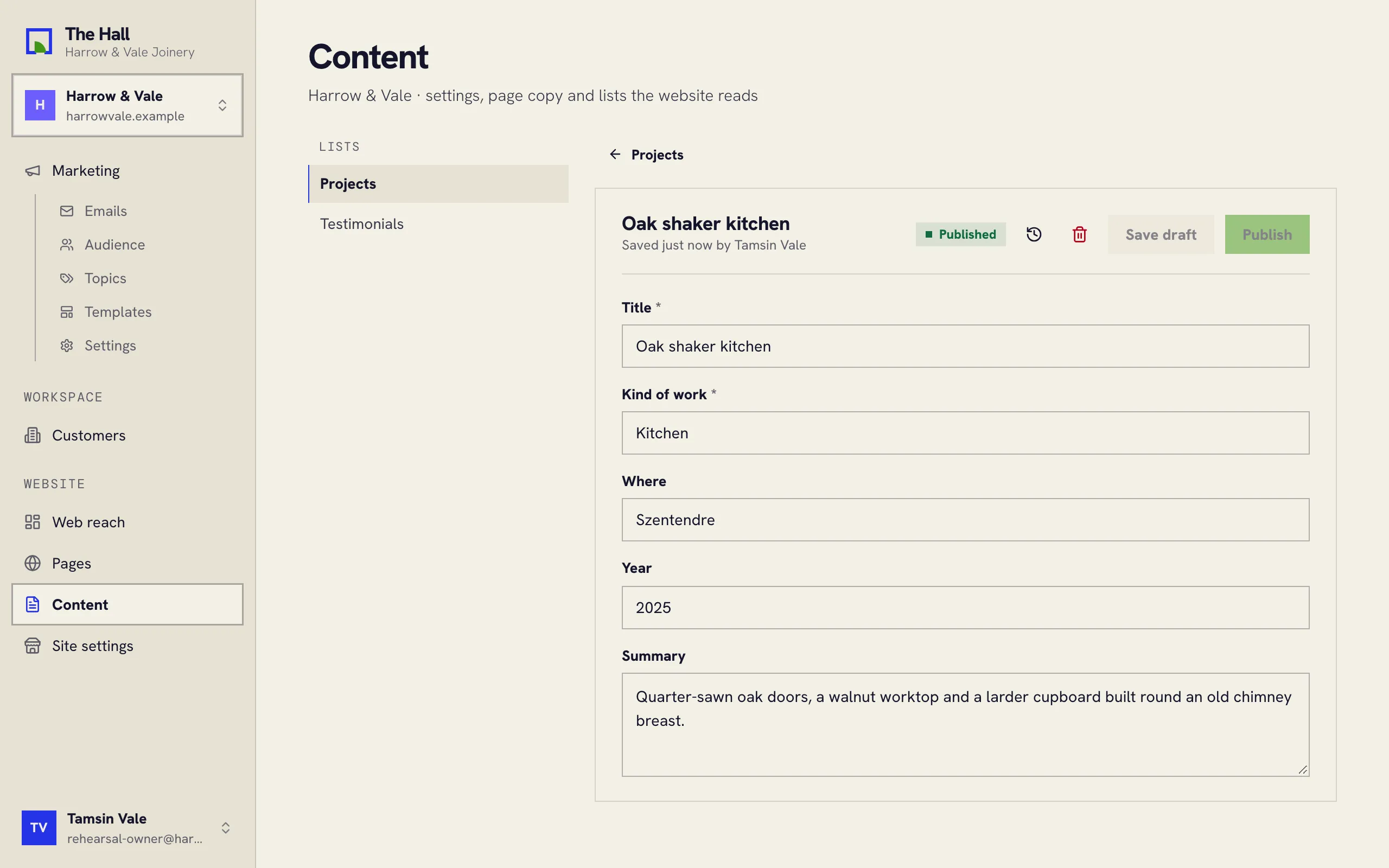
The clock button shows the item’s history.
Adding and removing items
In a list, Add starts a new item. To remove one, open it and press the bin.