A topic is one kind of email, such as offers or workshop news. People can opt out of a topic and keep getting the rest. Unsubscribing stops all of your marketing emails.
In the Hall Marketing › Topics
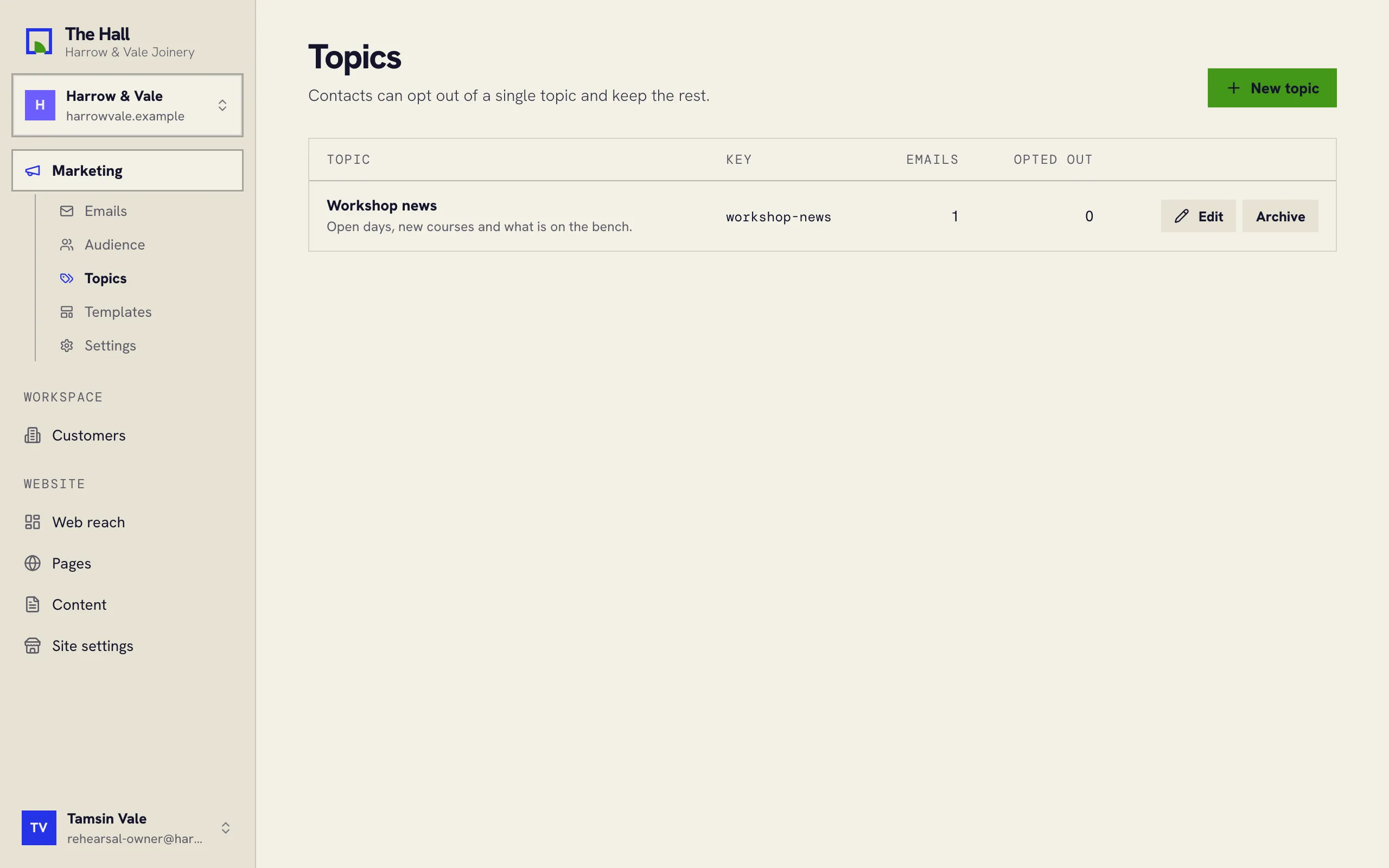
Opting out of a topic
Give an email a topic when you write it. Its footer then lets people opt out of that topic alone. They stay subscribed, and keep getting your other emails.
Unsubscribing
The unsubscribe link in every footer, and the unsubscribe button some inboxes show next to the sender, stop all of your marketing emails to that person, whatever the topic.
The do-not-send list
Some addresses never get your emails again: people who unsubscribed, addresses that bounced, and people who marked an email as spam. The Hall checks this list right before every email goes out, so nobody on it is emailed by mistake.
Managing topics
- New topic adds one, with a name and a short description of what the emails are about.
- Edit renames a topic. Its key stays the same, so nothing that refers to the topic breaks.
- Archive retires a topic. Topics are never deleted, so the opt-outs people made stay in force. Restore brings one back.