Audience is everyone your company can email, with whether each one has agreed to receive your emails. Segments are groups of them, chosen by rules, that you can send to.
In the Hall Marketing › Audience
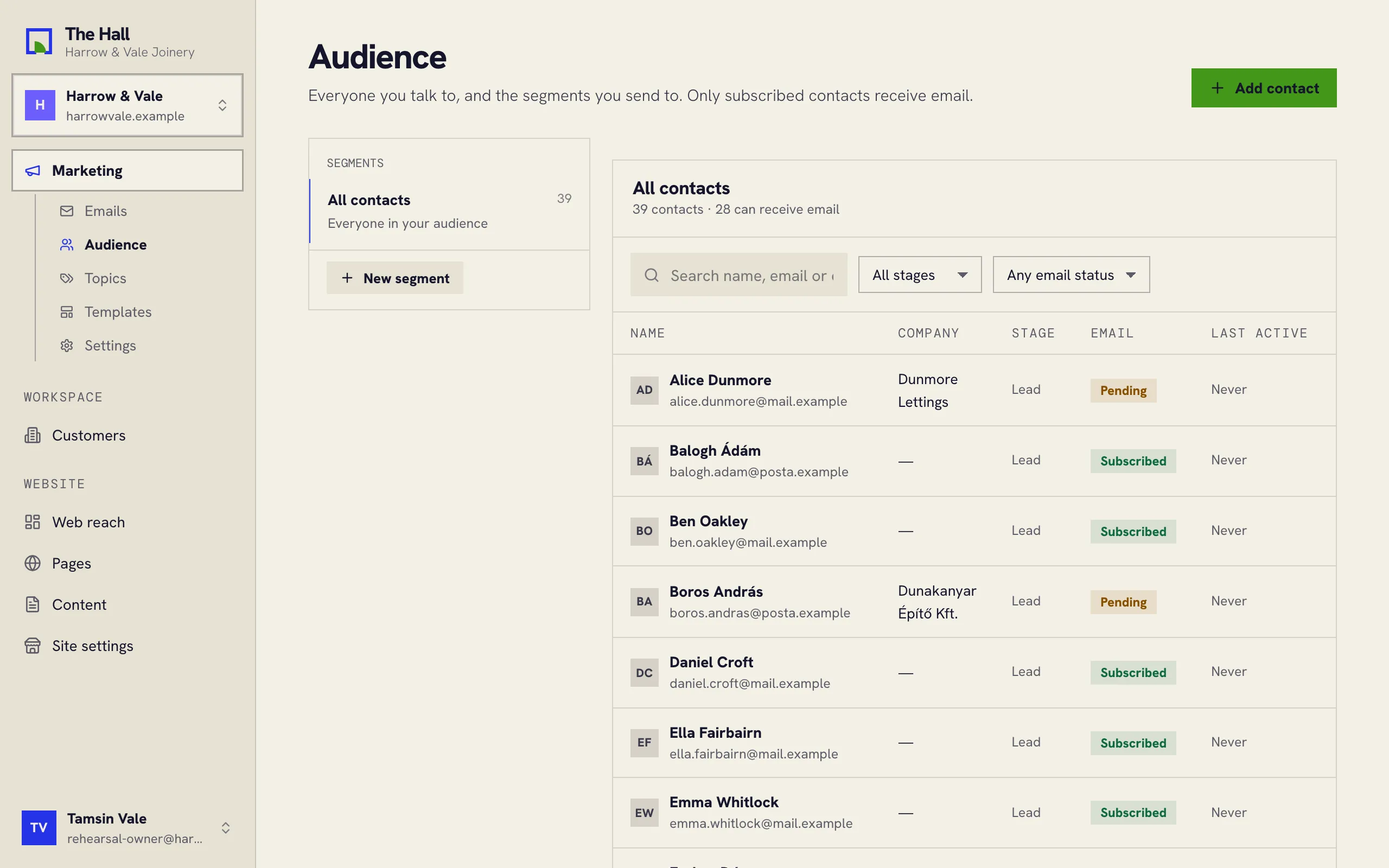
Email status
Each person has an email status:
- Subscribed: has agreed to get your emails.
- Pending: in your contacts, but not on your mailing list. Pending people don’t get your emails.
- Unsubscribed: has asked to stop.
- Blocked: on the do-not-send list, for example after their address bounced.
Only subscribed people get your emails, whatever segment you send to.
Adding someone
Press Add contact and fill in their details. A new contact starts as Pending, and so does someone who writes in through your website: being in touch isn’t agreeing to your newsletters.
Segments
A segment is a group chosen by rules, such as everyone at one company or at one stage. Press New segment, set its rules, and pick it under To when you write an email. A segment updates itself as people change.