Site settings are the facts your website shows in many places: its address, how to reach you, your social profiles, and your stores with their opening hours. Change them here and every page that uses them follows.
In the Hall Website › Site settings
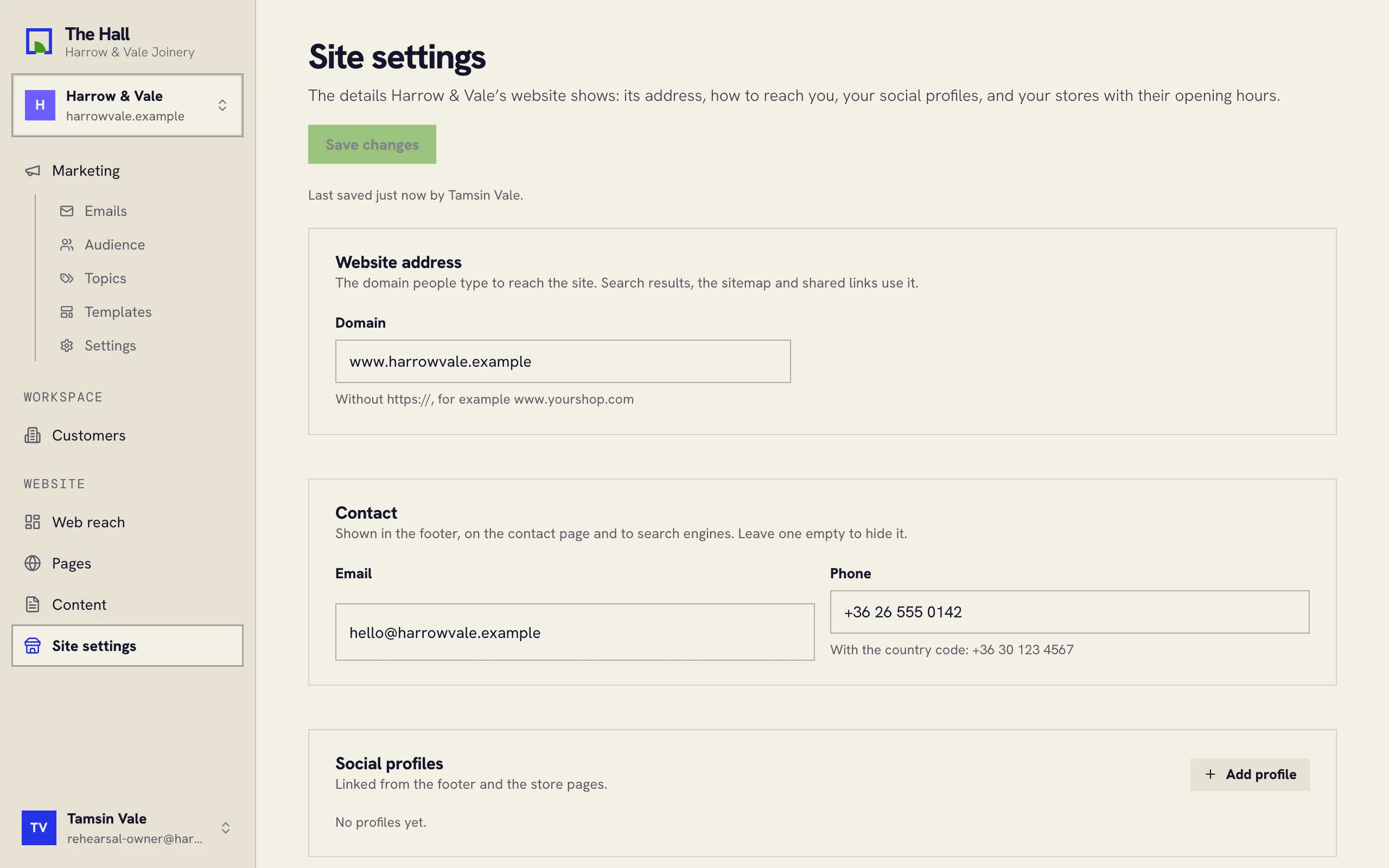
What’s here
- Website address: the domain people type to reach your site, without
https://, such aswww.example.com. - Contact: an email address and a phone number. Write the phone number with a
+and the country code, such as+44 20 7946 0000. - Social profiles: up to ten, one per network, each a link to your profile on that network.
- Stores: up to twenty, each with its address, its own phone if it has one, a place on the map, and opening hours for each day of the week. Mark a day as closed to leave it out.
Saving
Press Save changes. If a field isn’t right, the Hall marks it and says what to fix. After saving, your website rebuilds with the new details, or picks them up at its next rebuild.