Each page has a title, and a title and description for search results. You’ll find them under Title and search, at the bottom of the outline.
In the Hall Website › Pages › a page › Title and search
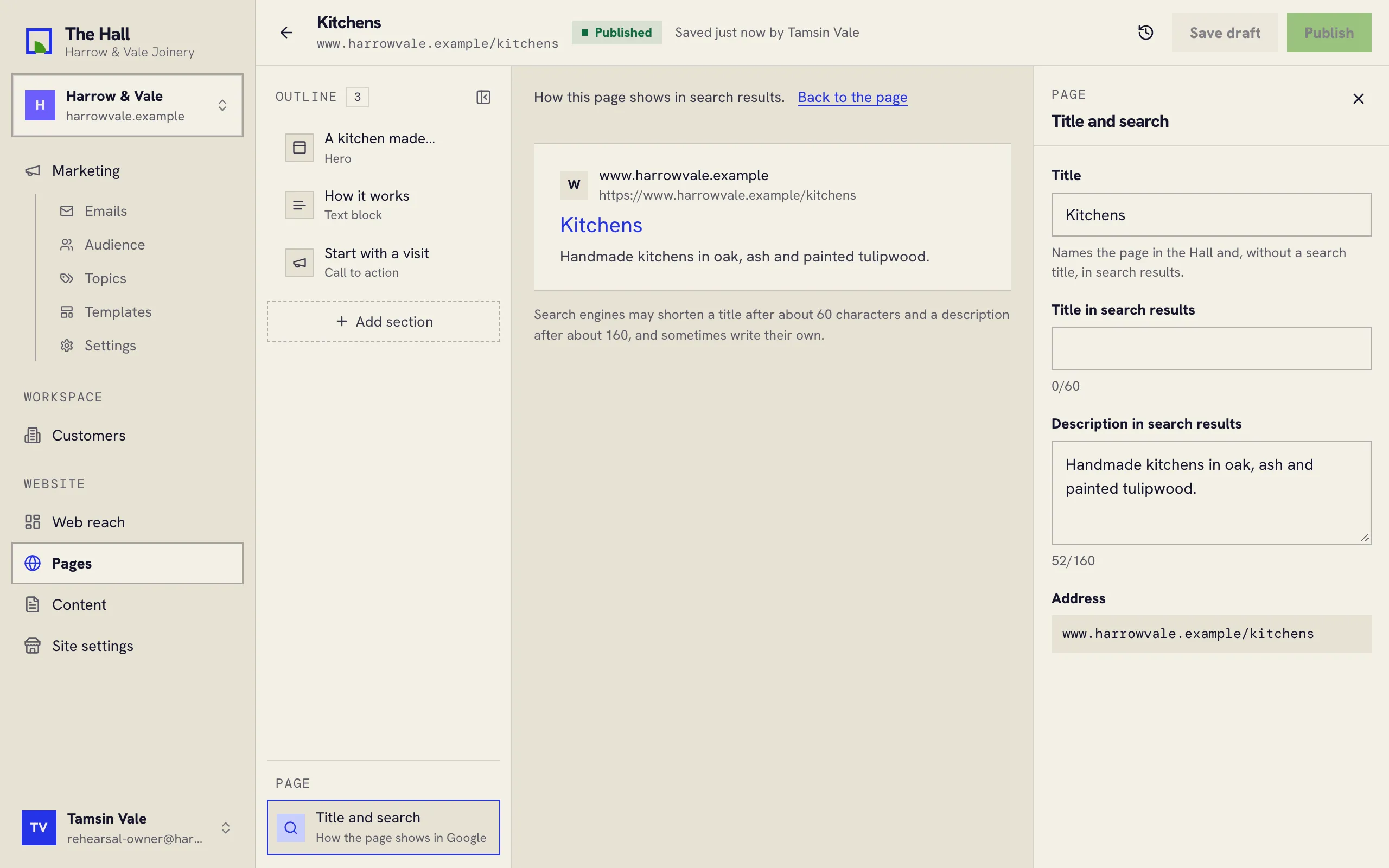
The fields
- Title: the page’s name in the Hall. It’s also used in search results when the next field is empty.
- Title in search results: the blue line people click in Google. Keep it under about 60 characters.
- Description in search results: the line or two under it. Keep it under about 160 characters.
While you type, the middle of the screen shows the page as a search result, and a counter under each field turns a warning colour when it runs long.
The page’s address, such as /kitchens, is shown here but can’t be changed in the Hall: links to it
from other sites would break. Write to us if one needs to change.