Every email starts from one of your templates, so it always looks like you. You fill in the words, pick who gets it, send yourself a test, then send it.
In the Hall Marketing › Emails
Writing it
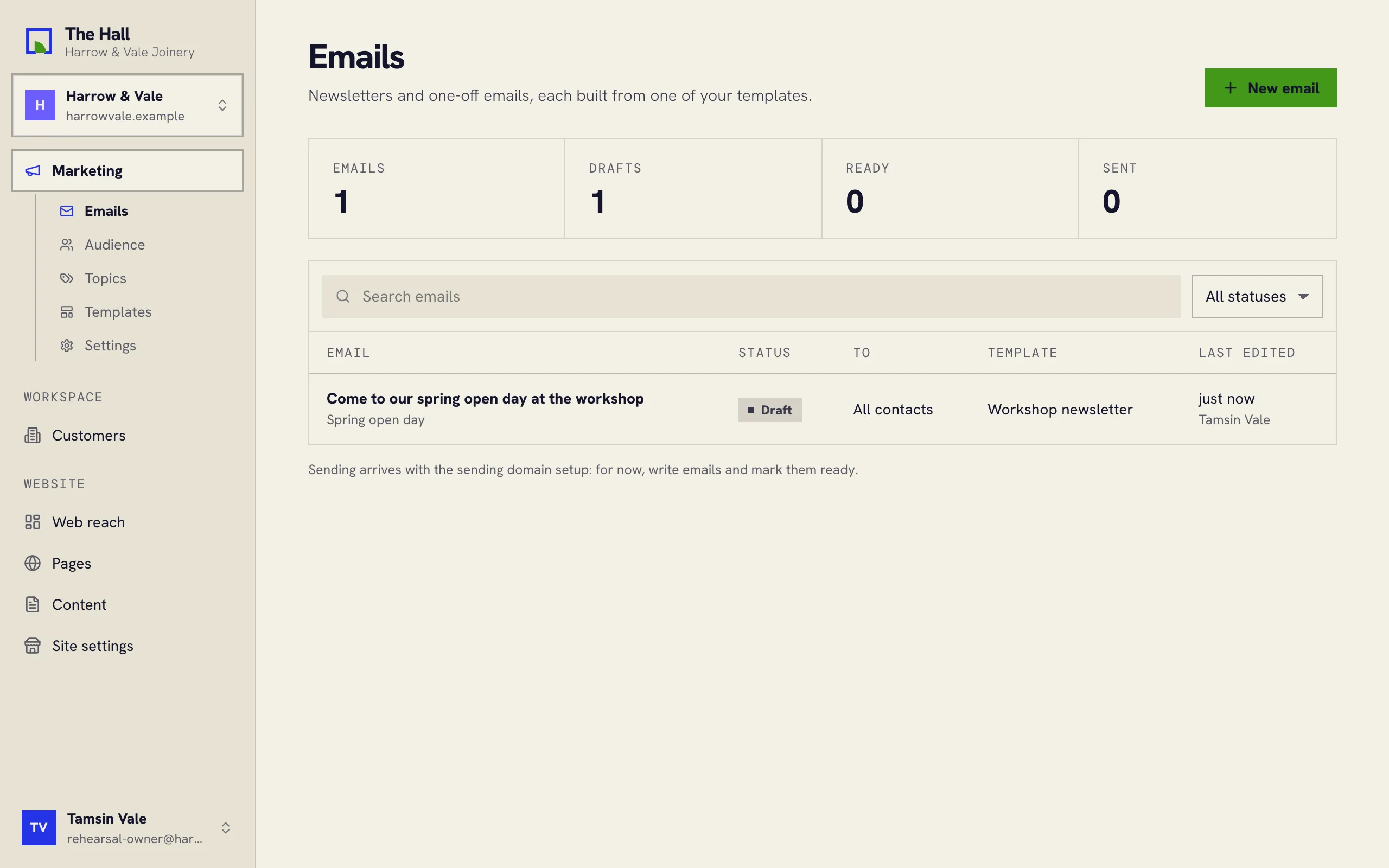
- Press New email and pick a template.
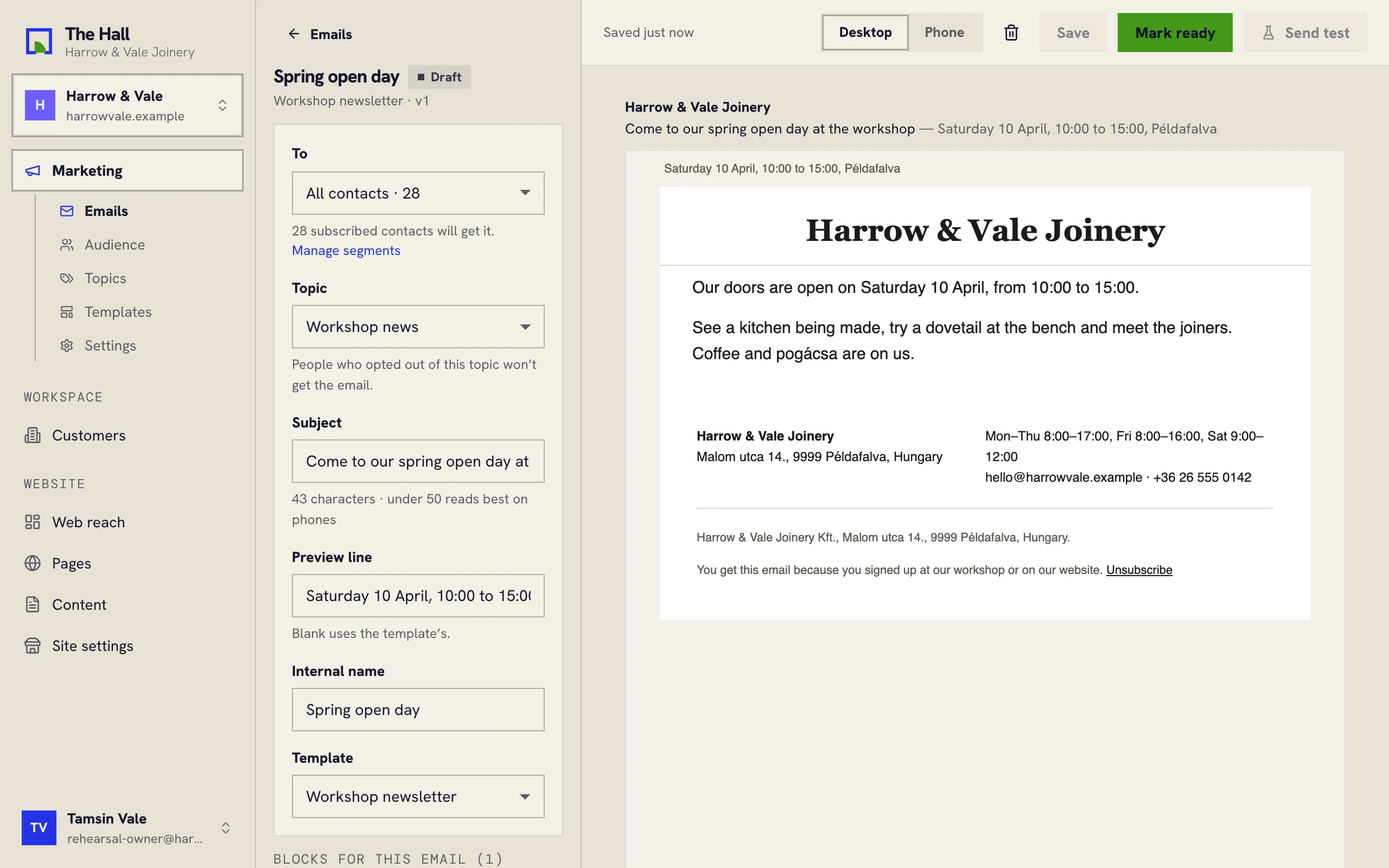
- Under To, choose All contacts or a segment. The Hall says how many subscribed people that is.
- Pick a Topic if the email has one. People who opted out of that topic won’t get it.
- Write the Subject. Under 50 characters reads best on phones.
- Change the Preview line if you like, the line inboxes show after the subject. Blank uses the template’s.
- Fill in the blocks for this email. The preview on the right follows as you type.
- Press Save.
Checking and sending
- Press Mark ready. The email is locked to the template as it is now, so a later change to the template won’t change it. Reopen takes it back to a draft.
- Press Send test to get a copy in your own inbox. Read it there.
- Press Send, check who it goes to, and confirm.
The Hall sends at a steady pace, so inboxes trust your domain. Anyone who unsubscribes before their turn is skipped, and the do-not-send list is checked again right before each message goes.