A project is one brand and its website. Most companies have one. If yours runs two brands, each has its own project, with its own pages, content, settings and visits.
In the Hall The box at the top of the left-hand menu
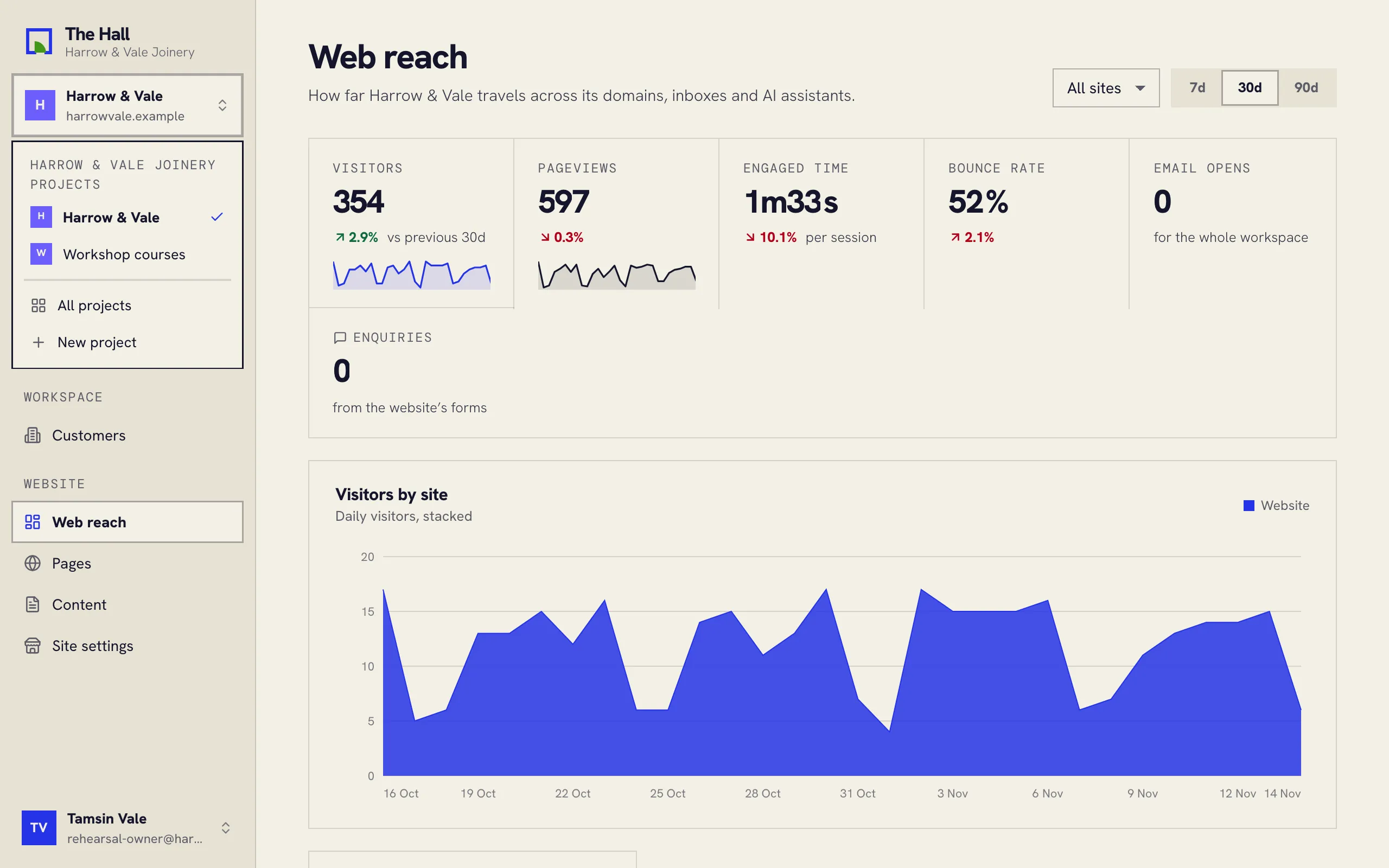
Moving between projects
- Press the box with your project’s name at the top of the left-hand menu.
- Pick the project you want.
Pages, Content, Site settings and Web reach then show that project. Customers and Marketing belong to the whole company, so they stay the same whichever project you have open.
More than one website address
A project can have more than one website address, for example www.example.com and
shop.example.com. Each address has its own pages. On the Pages screen they show as tabs, so you
can look at all pages together or at one address at a time.